MIDI
Plug in your keyboard for perfect timing.
The microphone works with any piano, but a MIDI connection tells Melody+ exactly which key you pressed and when. Connect a digital piano or MIDI keyboard, or an electronic drum kit for the drum lessons.
iPhone · iOS 18 or later · Android 9 or later
Every way to connect
USB
Connect with a USB cable or adapter to your iPhone or Android phone; the keyboard shows up straight away.
Bluetooth MIDI
Pair a Bluetooth LE MIDI keyboard from Tools › Connect MIDI devices. On iPhone it uses Apple's pairing sheet.
Wi-Fi on iPhone
On iPhone, Melody+ also joins a MIDI network session, so a Mac-connected keyboard can play over Wi-Fi. Android supports USB and Bluetooth.
Electronic drum kits
Connect an e-kit over USB or Bluetooth MIDI and play the drum lessons on real pads.
Connect in a minute
Connect
Plug in the cable, or open Tools › Connect MIDI devices for Bluetooth.
Choose MIDI
Pick the MIDI keyboard as your input in the player.
Play
Every key you press is detected exactly, with no room noise.
Inputs
- Microphone
- USB MIDI
- Bluetooth LE MIDI
- Wi-Fi network MIDI (iPhone)
- Keys on screen
Free and Pro
Free
MIDI input over every connection, in every song and lesson you can open.
Pro
Nothing extra for MIDI. Pro adds courses and songs.
Questions
Do I need a MIDI keyboard to use Melody+?
No. Melody+ listens to acoustic and digital pianos through the microphone. MIDI is optional and gives the most precise timing, and it's quiet: you can practise with headphones on a digital piano.
Which keyboards work?
Any class-compliant USB MIDI keyboard or digital piano, and Bluetooth LE MIDI keyboards. Some phones need a USB adapter.
Can I use MIDI over Wi-Fi on Android?
Not yet. On Android, connect over USB or Bluetooth MIDI. Wi-Fi network MIDI is on iPhone.
More in Melody+
Falling notes
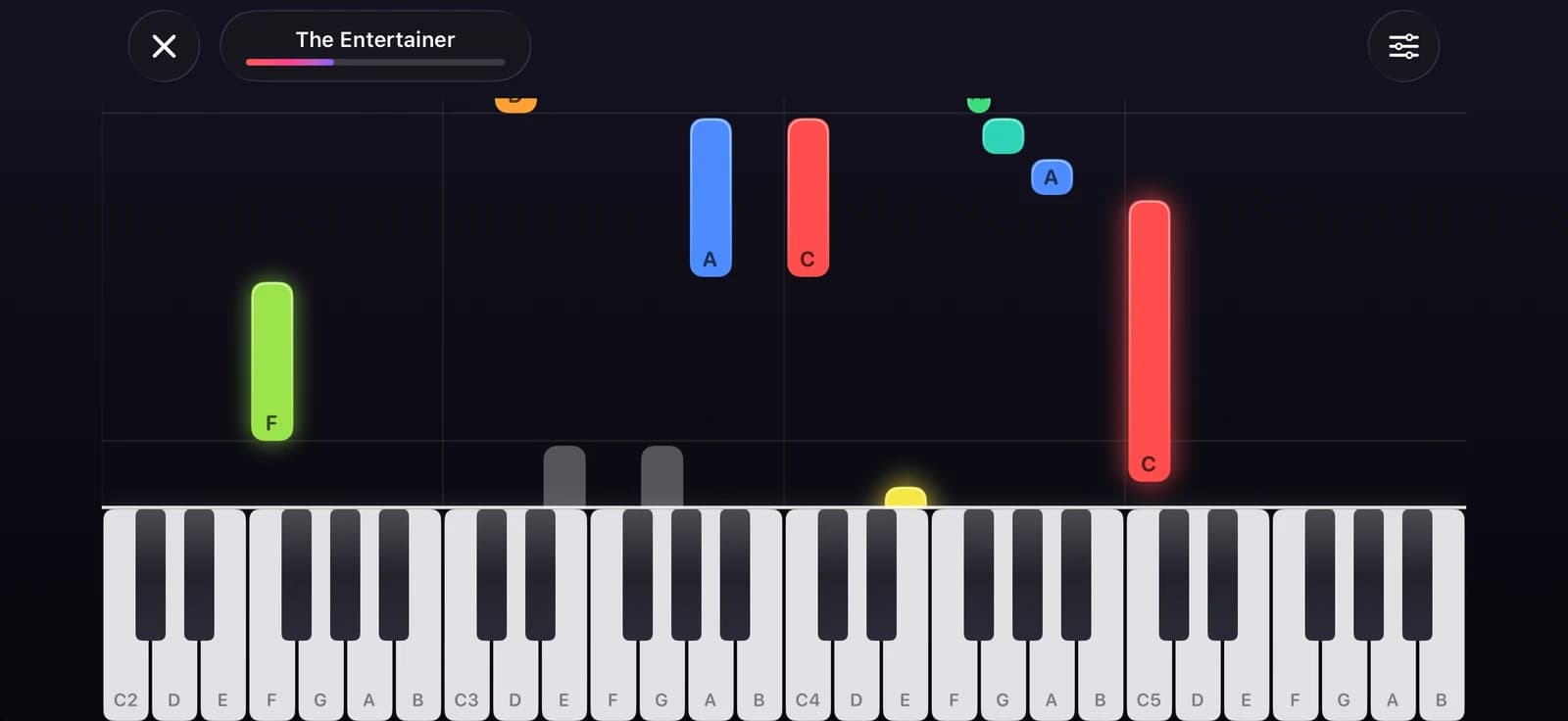
Coloured notes fall onto the keys as you play, with the note names on the keyboard.
Sheet music
A scrolling staff for piano, saxophone and violin, with fingerings, and a course that teaches you to read it.
Guitar tab
Scrolling tab with chord cards, strum arrows and technique marks, on six strings or four for ukulele.
Wait for me
The song stops on every note until you play it, then moves on: learn at your own pace.
See also
Your first song is a few minutes away.
Pick up your piano, guitar, ukulele, saxophone or violin, open Melody+ and play a note. It will light up.


iPhone · iOS 18 or later · Android 9 or later